GitHub Copilot: When to Use Custom Agents, Prompts, Skills, and Instructions
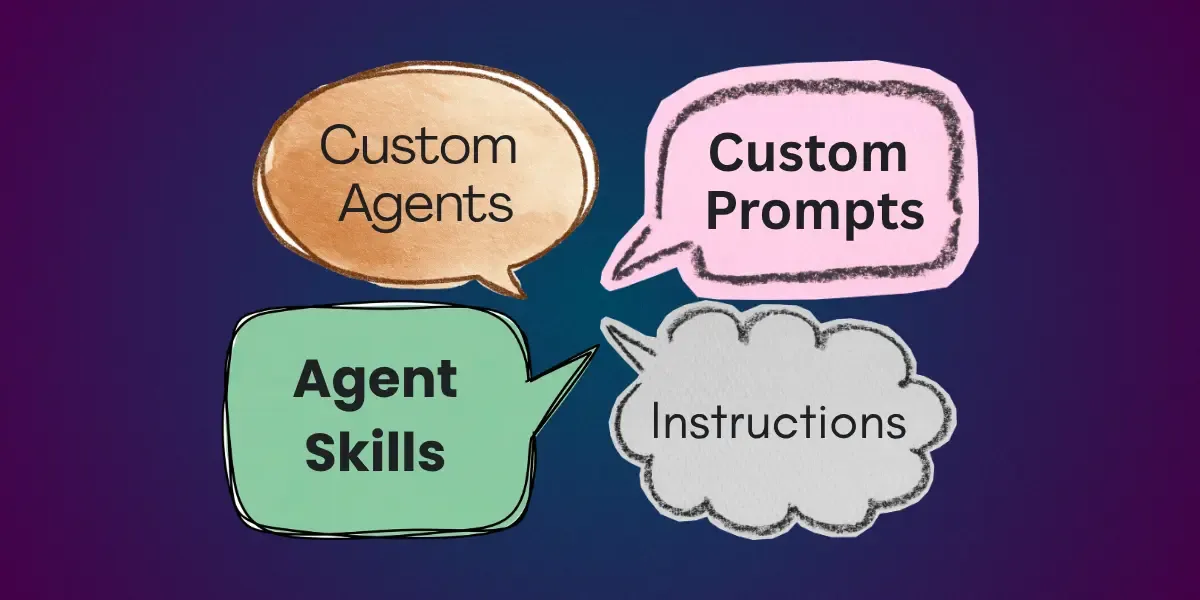
GitHub Copilot gives you four main ways to shape its behaviour: custom agents, custom prompts, agent skills, and custom instructions. Each one serves a different purpose, but the lines between them can feel blurry. Here’s a practical breakdown.
Custom Agents: Control What Tools Are Available
Use a custom agent when you need to restrict or manage the tools Copilot can access.
A good example is the built-in ASK agent in GitHub Copilot Chat. It has deliberately limited tools and cannot write to files. That constraint is the point. When you create a custom agent, you decide exactly which tools are on the table.
This matters for context too. Every tool you add to Copilot Chat (system tools, Model Context Protocol servers, etc.) adds definitions that consume context before you’ve typed a single prompt. A custom agent lets you keep that footprint lean and focused.
Rule of thumb: reach for a custom agent when tool access needs to be intentional and controlled.
Custom Prompts: Automate Repetitive Instructions
Custom prompts are for instructions you find yourself typing over and over again. Instead of repeating yourself every session, you encode the prompt once and reuse it.
You can also scope a custom prompt to run only within a specific agent, which keeps things tidy when your agents have distinct purposes.
Rule of thumb: if you’ve typed the same thing three times this week, make it a custom prompt.
Agent Skills: Get a Determined Output
This is where agent skills and instructions start to feel similar, but there’s a meaningful difference.
Agent skills are the right choice when you want a SPECIFIC, predetermined output. If you need Copilot to generate a particular chart, or produce a spreadsheet in an exact format with specific formatting and structure, an agent skill delivers that consistency. Because agent skills can also execute Python scripts, you’re essentially extending Copilot with additional functionality.
A concrete example: an agent skill that generates a financial report spreadsheet can include a template with all the required formatting baked in. The financial data changes every time, but the spreadsheet structure stays identical. That’s a determined output.
Rule of thumb: use agent skills when the format or structure of the result must be exact.
Custom Instructions: Influence Without Prescribing
Instructions are for shaping output without locking it into a specific form.
Take Next.js server actions as an example. Your coding standards might require that server actions are called from client components, used only for data mutations, and validated with Zod. Those rules influence every server action Copilot generates, but each one will look different because each has its own logic and responsibility.
Instructions give you a predictable output, not a predetermined one. That distinction matters.
Rule of thumb: use instructions for standards, conventions, and guidelines where the content varies but the rules stay consistent.
Wrapping Up
These categories aren’t rigid. You could put coding standards inside an agent skill, or treat a custom prompt as an agent skill. The features are flexible. But as a starting point, think of it this way: agents control tools, prompts save repetition, skills lock in a specific output, and instructions set the rules the output should follow.
Pick the feature that fits the problem, not the one that’s most familiar.
If you want to go from beginner to pro with GitHub Copilot, check out my full Udemy course on mastering the tool: